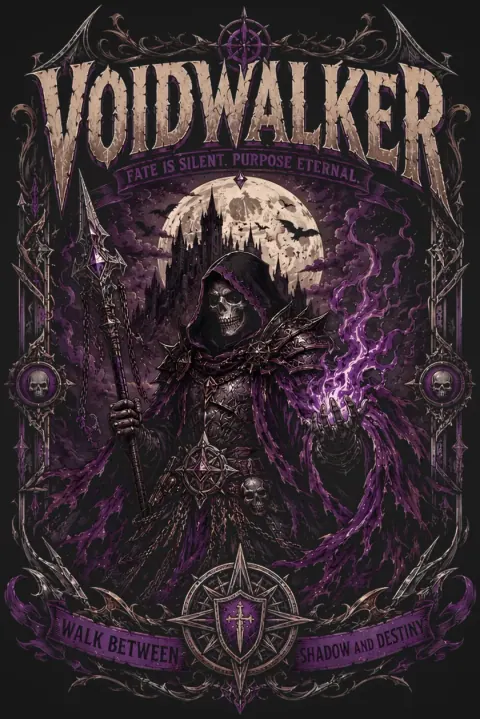
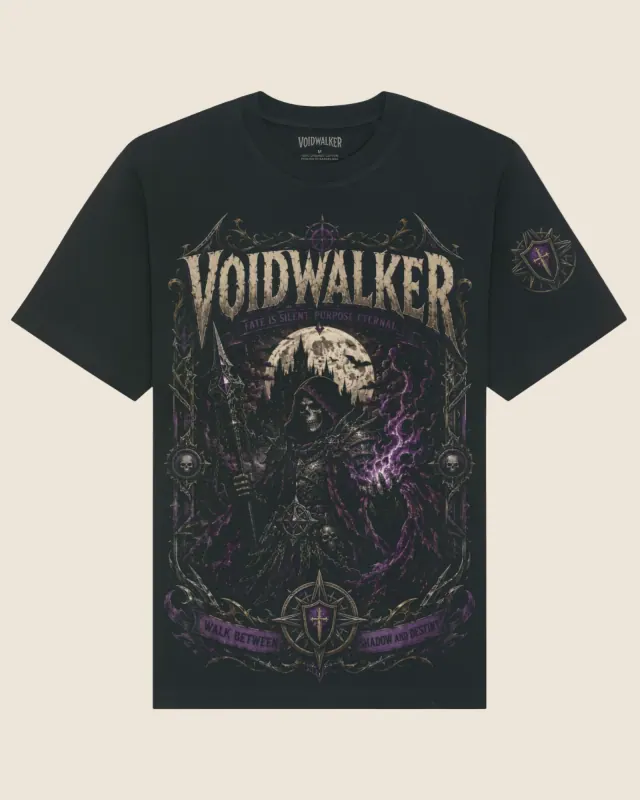
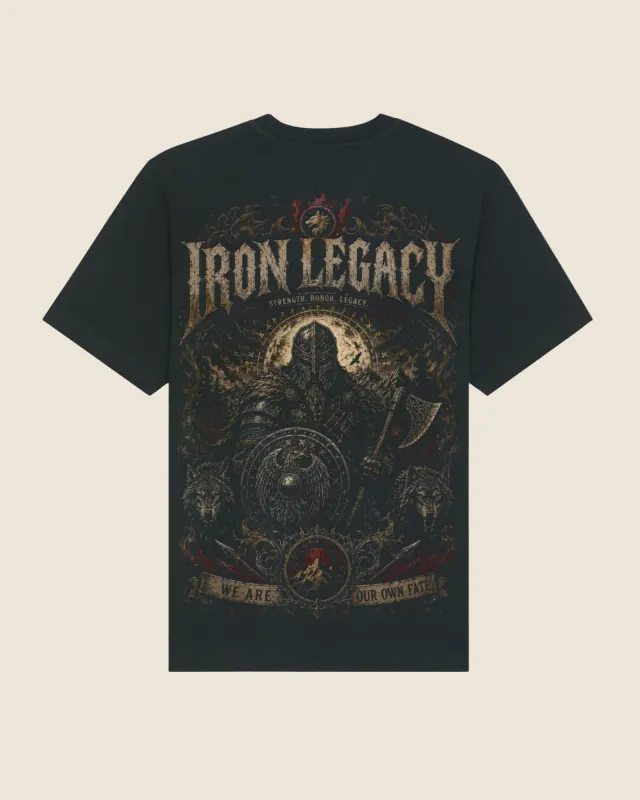
Artwork Ready to PrintSeparations and DTG / DTF files
Get the appBecome a beta tester

For print shops

Your customer's artwork becomes print-ready film, DTF or DTG in 5 minutes.

Upload the art and see the result for free. You only pay if you're happy with the result. No subscription.

Preview in about 1 minuteFiles in under 5 minutes
Upload artworkDrop the artwork herePNG · JPG · WebP · TIFF · SVG · PDF · PSD · AI · up to 100 MBChoose a fileNo account needed to see the previewOnly you see it. We delete it after 30 days if you don't pay, 90 days after if you do.
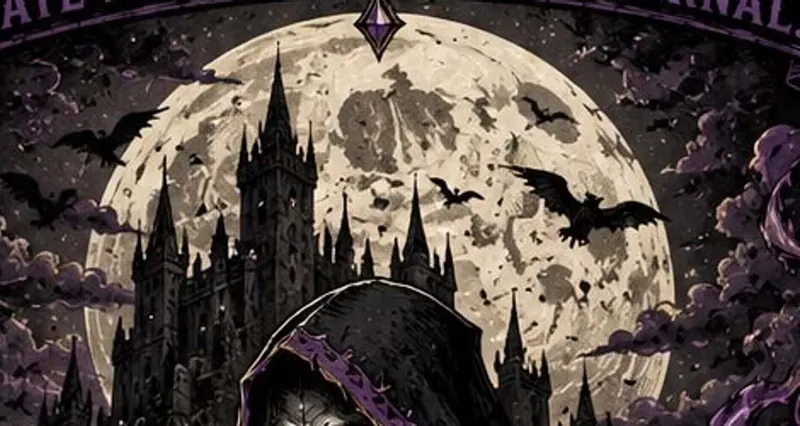
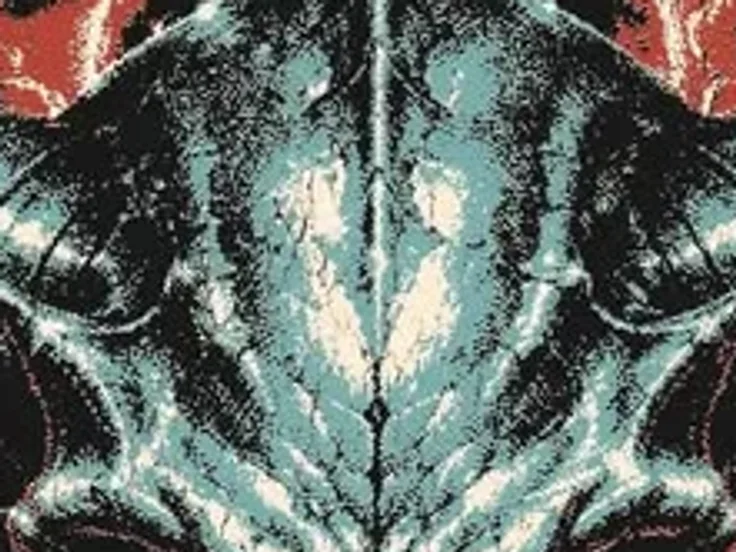
Customer's file · 72 ppi · JPG
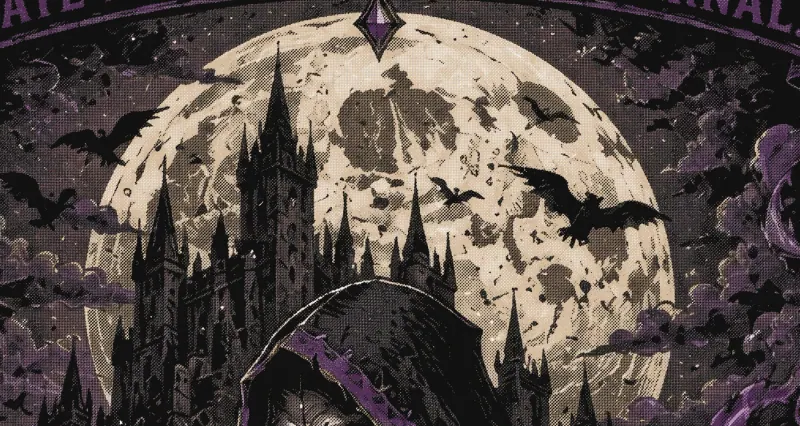
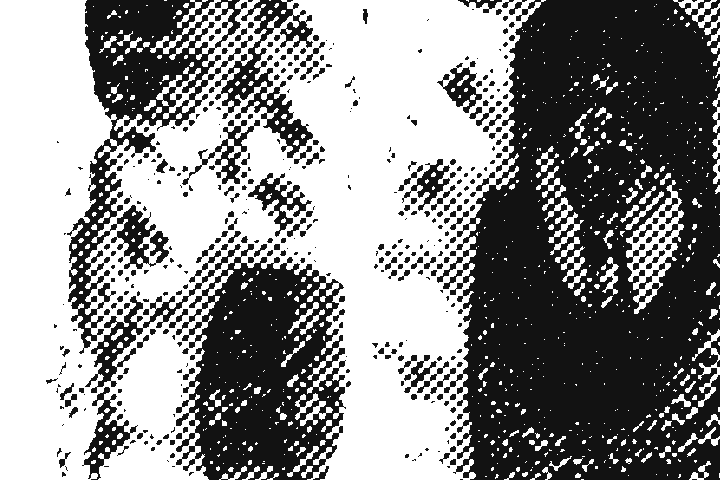
The same close-up as it prints: the screen-printing films, halftoned at 65 lpiScreen print · 7 inks · 65 lpi halftone

Try it with one of our demo artworks
Skip the demo

Inside the file

7 inks, 7 films, one print.

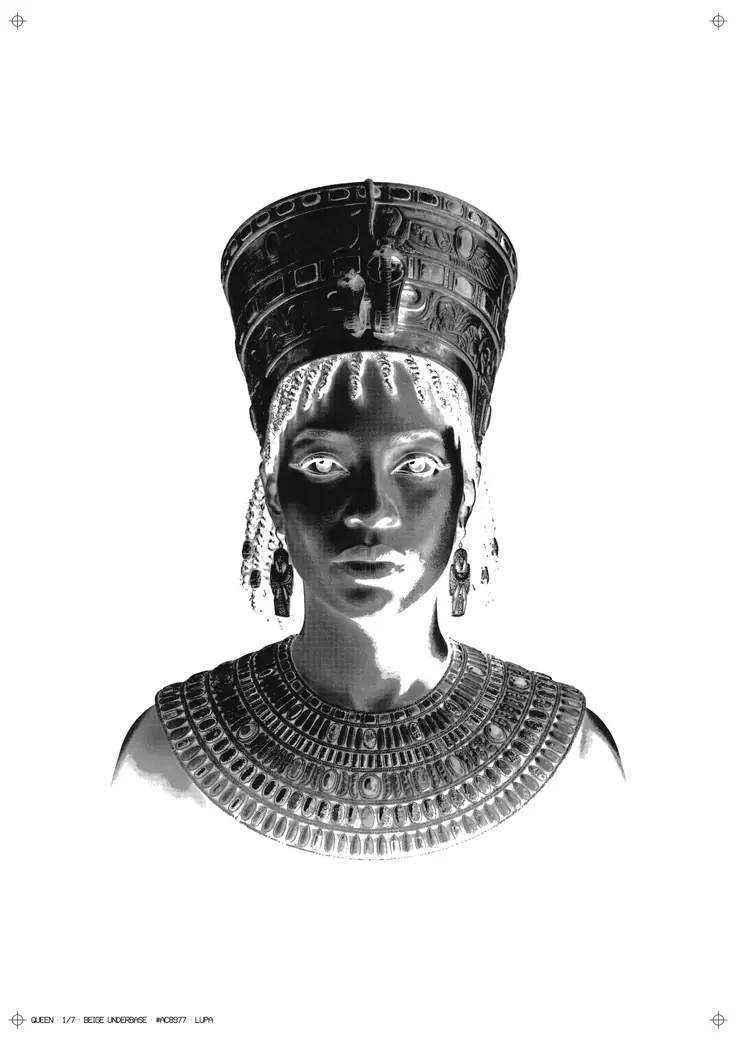
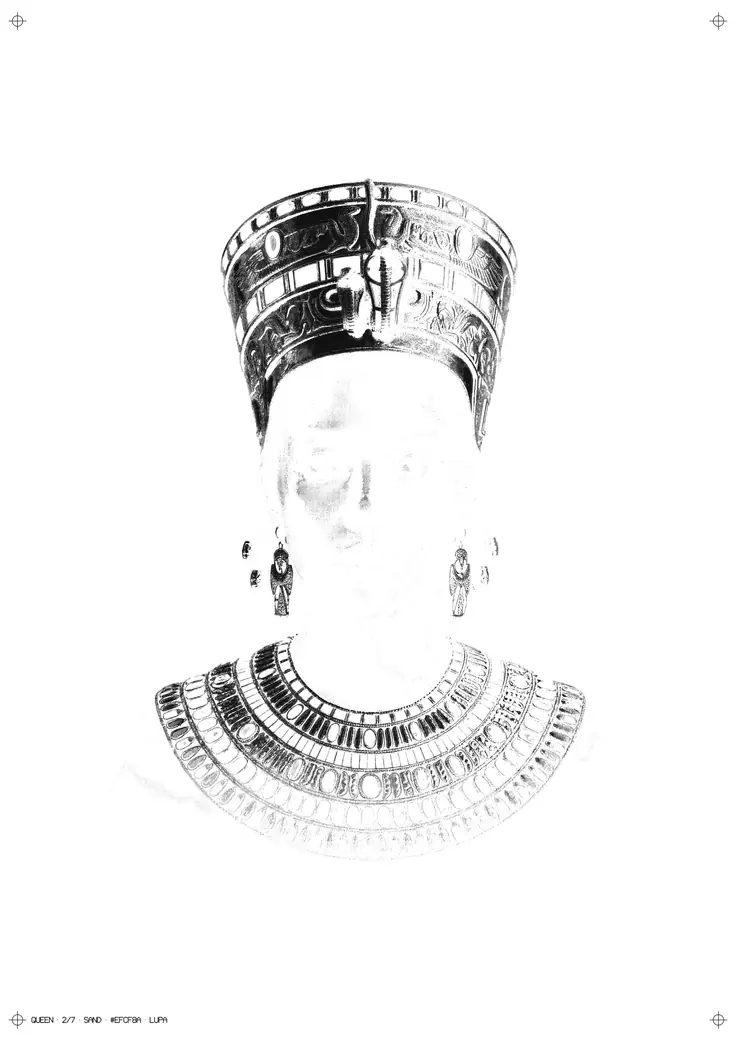
This is the screen print Lupa made from one customer file, queen.png: one film per ink, in print order, and a preview on the tee at the end. Slide to print it ink by ink, pull the films apart, turn inks on and off, or zoom in until you see the dots.

Pay per file

Prices

Screen printing€9.99per design
  • One film per ink, up to 15 colours, ready to burn your screens
  • Halftones up to 65 lpi, underbase when the shirt is dark
  • Registration marks and a label on every film
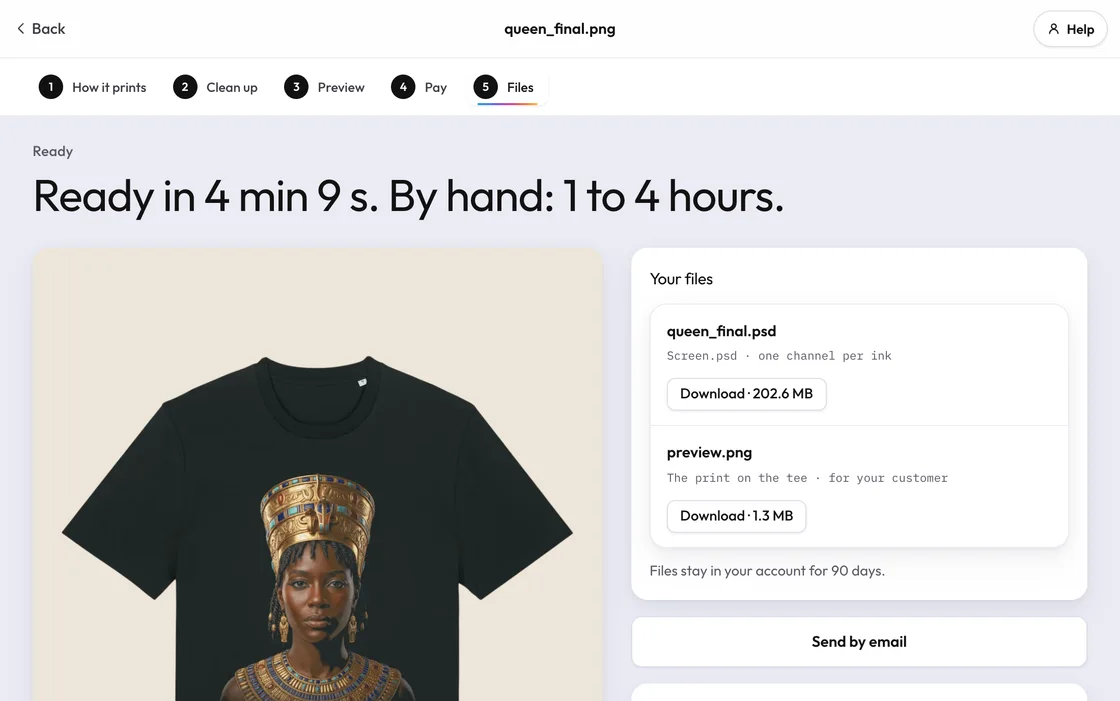
  • Plus a separate preview.png of the print on a tee, ready to send
DTG€3.99per design
  • PSD at 300 ppi with a white base layer
  • Fades halftoned, no white halo
  • Plus a separate preview.png of the print on a tee, ready to send
DTF€3.99per design
  • TIFF with a white spot channel
  • Details under 0.3 mm dropped so the film holds
  • Fades at 35 lpi
  • Plus a separate preview.png of the print on a tee, ready to send

If the file doesn't match the preview, we redo it or refund you.

Do the sum

Hours by hand. Minutes here.

Discount packs

50 screen files: €399.60 with the 50-pack, €7.99 a file, you save €99.90.

Time and cost for 50 files
By hand, a designer or separator50 to 200 hours€1,5001 to 4 hours a design by hand, and about €30 a design from a hired separator.
Here1 h 40 min of your time€399.60You upload and check each file, about 2 minutes. The system takes under 5 minutes a file and runs while you work.

About 50 to 200 hours and €1,100 saved on 50 files.

The app

Your phone between jobs. The computer at the press.

  • Share a customer's picture straight into the Android app.
  • Get an email with the files' links when they are ready.
  • Email the files to the computer when it's time to burn screens, or to the team.
  • One account on every device.

Open it on your phone

Point your phone's camera at the code. It opens this page there, with the steps for your phone.

Look closer

Print-ready film.

The 7 films, ready to go to the screen. Lupa checks every last detail to make sure everything is right.

Film 1 of 7, Beige underbase, on the light table
Film 1 of 7 · Beige underbase: Halftone, at 1:1
1:1 of the 600 ppi file65 lpi · 45°
Halftone Halftone at 65 lpi, 45°: the tone becomes dots, bigger in the shadows, smaller in the light.Skin covers most of the art, so the base is beige instead of white.

What it catches

The usual problems, found before the film.

The real scan of a customer's file: the findings land one by one, then each fix is applied one at a time. See the before and after:

Low resolution, a close-up of the customer's file
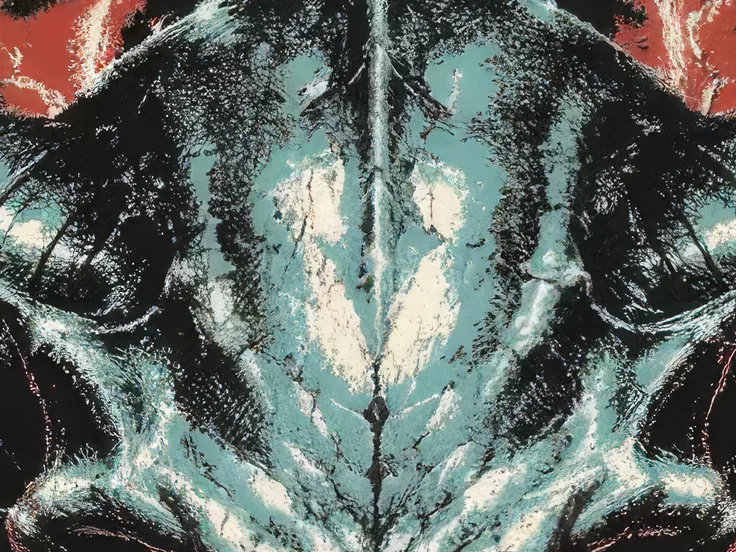
Low resolution, the same close-up after Lupa's fix
BeforeAfter
1 · Low resolution 62 ppi at the print size (30 cm wide). Lupa enlarges it to 4K, 300 ppi.
The customer's file as it arrived, with what the scan found

Change one part

Say what to change. Only that part changes.

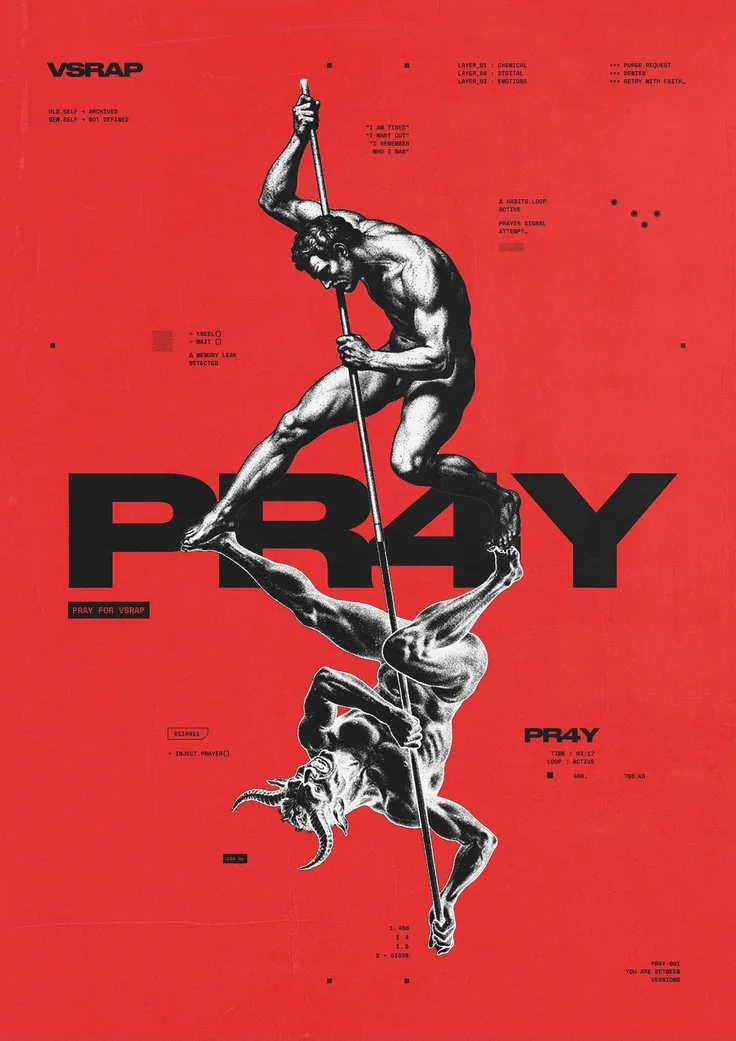
A real customer's art through the edit tool.

  1. The customer's red art as it arrived, with small text all around
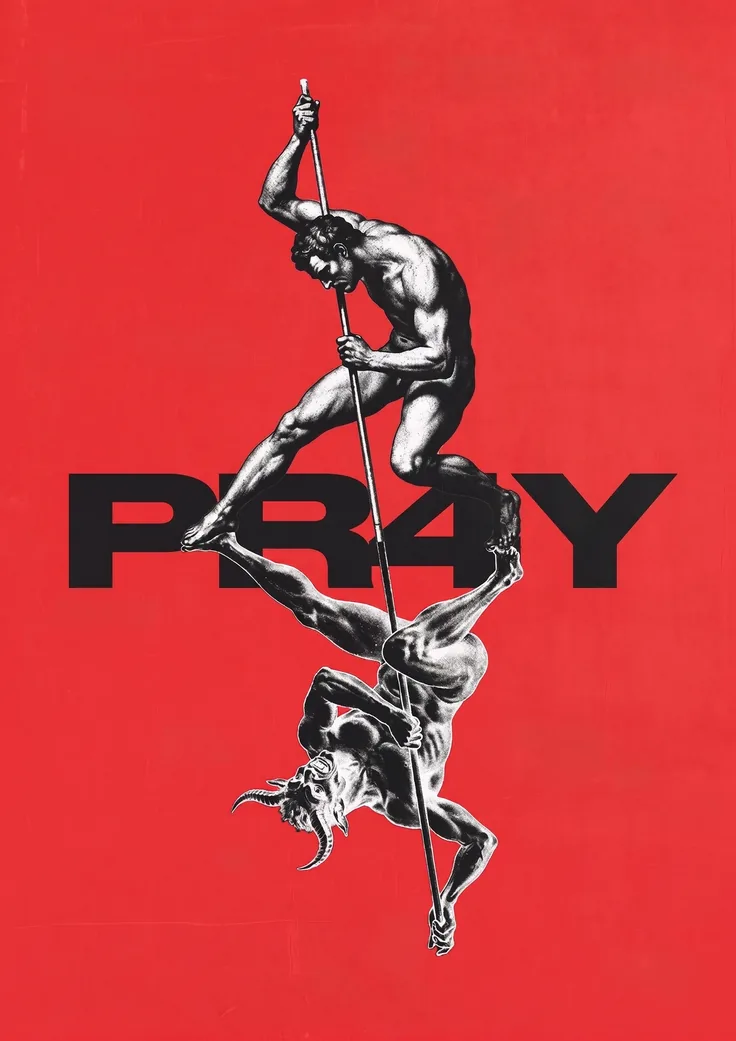
  2. “Remove all the small text and marks. Keep only the name and the main drawing in the middle.” The same art after the clean edit: only the two figures, the pole and PR4Y
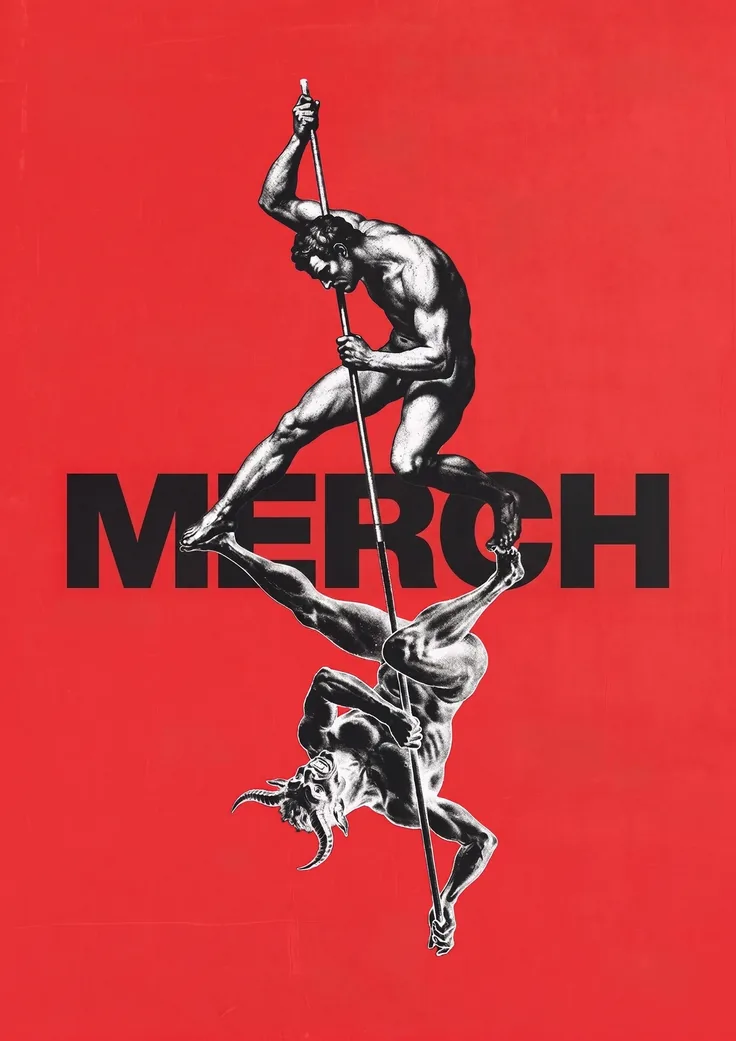
  3. “Change the text PR4Y to MERCH. Use the same font.” The art after the change: MERCH in the same black font, the figures untouched

3 free edits on every file, with an account.

From the shops

The file, and how it printed.

The art as the customer sent itThe printed shirt
The purple glow held on the first pull. We didn't touch the films.
Sample Print Co. · São PauloWe used to take 3 hours on a file like this.
The art as the customer sent itThe printed shirt
Six colours, a dark tee, and the customer approved the mockup the same day.
Example Silk · FortalezaWe used to pay a separator and wait two days.
The art as the customer sent itThe printed shirt
The DTF file came with the white channel named the way our RIP wants it.
Demo Ink Lab · PortoWe used to take 2 hours fixing customer JPGs.

Four steps

How it works

  1. 01UploadThe art as your customer sent it.
  2. 02Say how it printsScreen, DTG or DTF, size, colours.
  3. 03Clean it upBackground, specks, resolution.
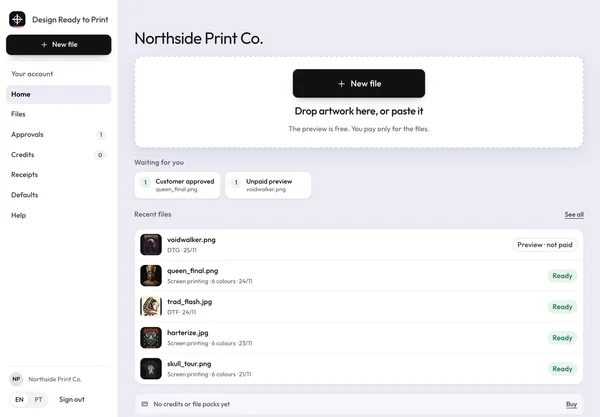
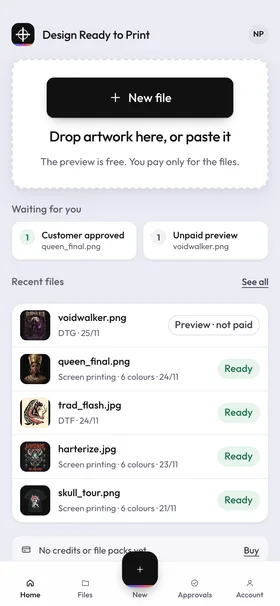
  4. 04See it, pay, downloadYou pay only if the preview is right.

What's behind it

A separator's eye. A print house's engine.

Not another Photoshop plugin, or software that still takes hours of your time to get a decent result. Behind Artwork Ready to Print is Lupa, the first pre-press AI model that looks at art the way a screen printer does: it decides what the art needs and hands it to MerchFrom's print engine. The real system, used day to day in the print shop by people who have made merch every day for 11 years.

Lupa · the eye

Our vision model. It looks at the art the way a pre-press separator does.

  • Finds the background and takes it off
  • Cleans specks too small to print
  • Thickens lines too thin to hold on the screen
  • Halftones the fades and stops the white halo
  • Flags two colours close enough to print as one ink
  • Trained on 3,000 real print jobs
Print engine · by MerchFrom

Built from 11 years of running print shops.

  • Screen: separations at 600 ppi in 45, 55 or 65 lpi depending on the art, each colour named, with its hex code
  • DTG and DTF: files at 300 ppi, with no white halo
  • The engine behind the print files of MerchFrom, a print house in Barcelona, Europe

Beta

Run a print shop? Become a beta tester.

Free files while the beta lasts. In exchange, you tell us what you think of each file and how it printed. We approve every shop one by one.

Apply

Questions

Do I pay before I see anything?

No. You see the layers and a preview of the final file. You pay only to download.

How long does it take?

The preview is ready in about a minute. The final files, in under 5 minutes after you pay.

Do you use my artwork?

No. Paid files are never used to train anything.

What if a file comes out wrong?

The files follow the preview. If something doesn't match, write to us and we rebuild it or refund you.

Will the files open in my software?

Yes. Photoshop and CorelDRAW open them. The TIFF and the PSD work with any RIP that reads them, with named white channels.

What's in one file?

After you pay you download the print file (the Screen.psd, the DTG PSD or the DTF TIFF) and, separately, a preview.png of the print on a tee, ready to send to your customer. The Screen.psd also carries that preview in a PREVIEW layer that doesn't print. One file covers one design, one method, one garment colour and any size up to the film.